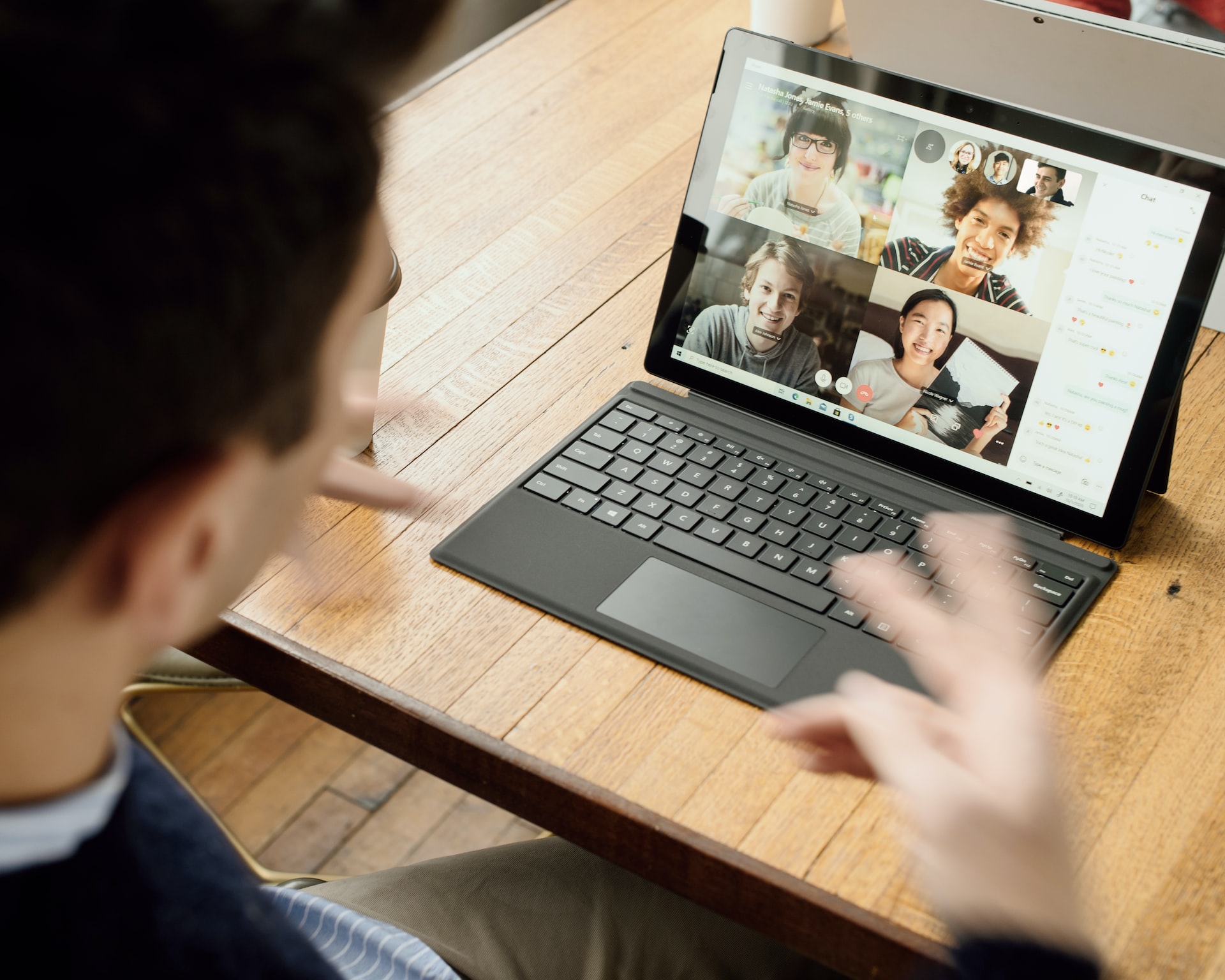
In the era of pandemonium, many people have begun to work remotely. As a result, video conferencing has become very popular. How to take care of the background during an online meeting?
When the coronavirus pandemic broke out, remote working became something common. As a result, most companies started holding video conferences. And although some time has passed, quite a few companies still allow their subordinates to work from home. It is important to remember that during online meetings it is worth taking care of how you present yourself and what background you see on the monitor screen.
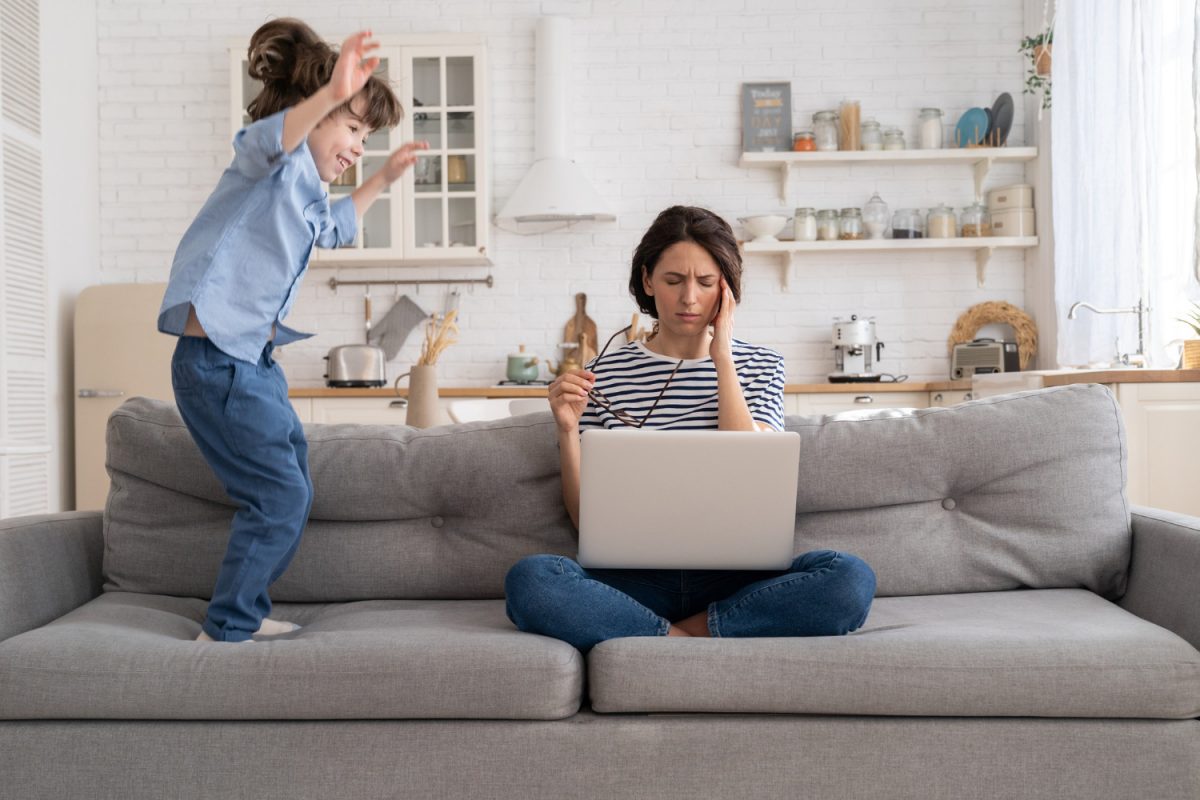
Videoconferencing actually has the same rules as if it were held live. Therefore, it is unacceptable to sit down at the computer and turn on the webcam while sitting in pajamas, with disheveled hair, etc. Likewise, a sink of dirty dishes, for example, will not look good behind us. Care should be taken to ensure that there is silence all around and that the surroundings look aesthetically pleasing. This shows that we are showing respect to our interlocutor and taking the online meeting seriously.
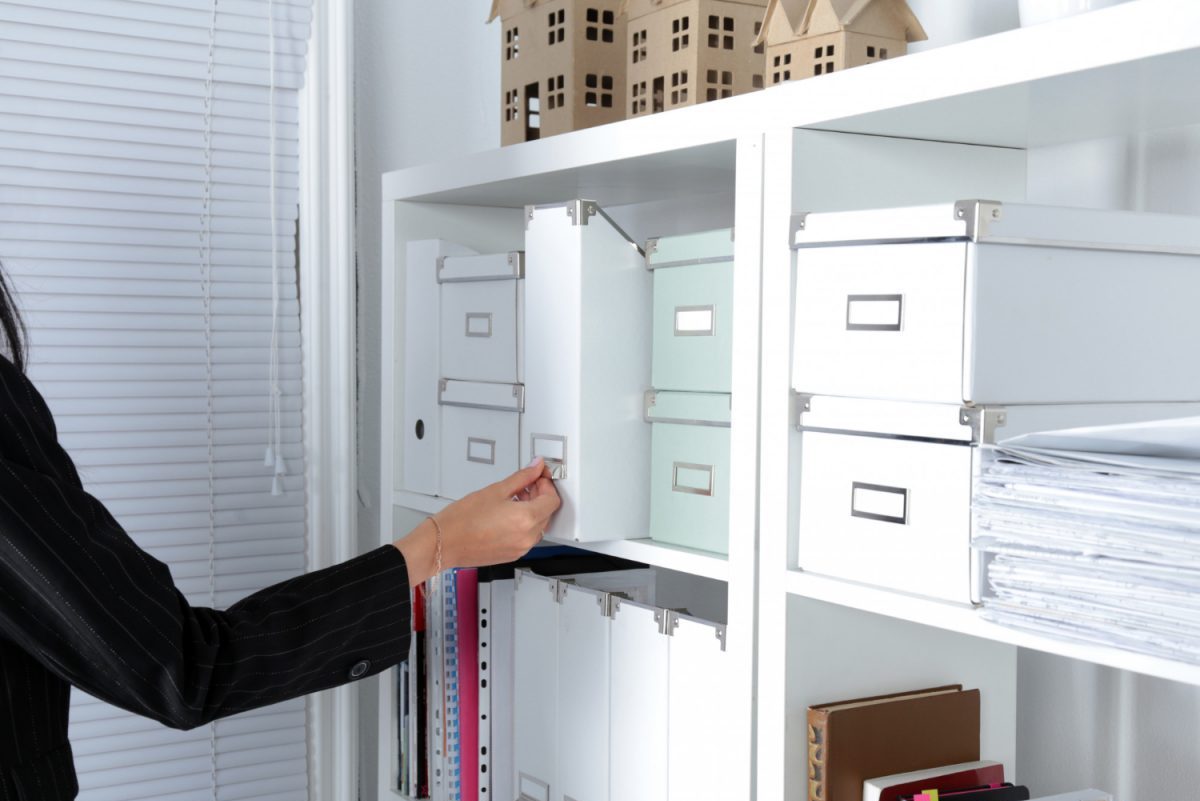
The most popular background for online meetings is the one showing a bookcase with books. It looks nice and at the same time shows that we are well-read. Of course, it’s a good idea to make sure that the books that others see on the monitor screen are valuable and don’t offend anyone.
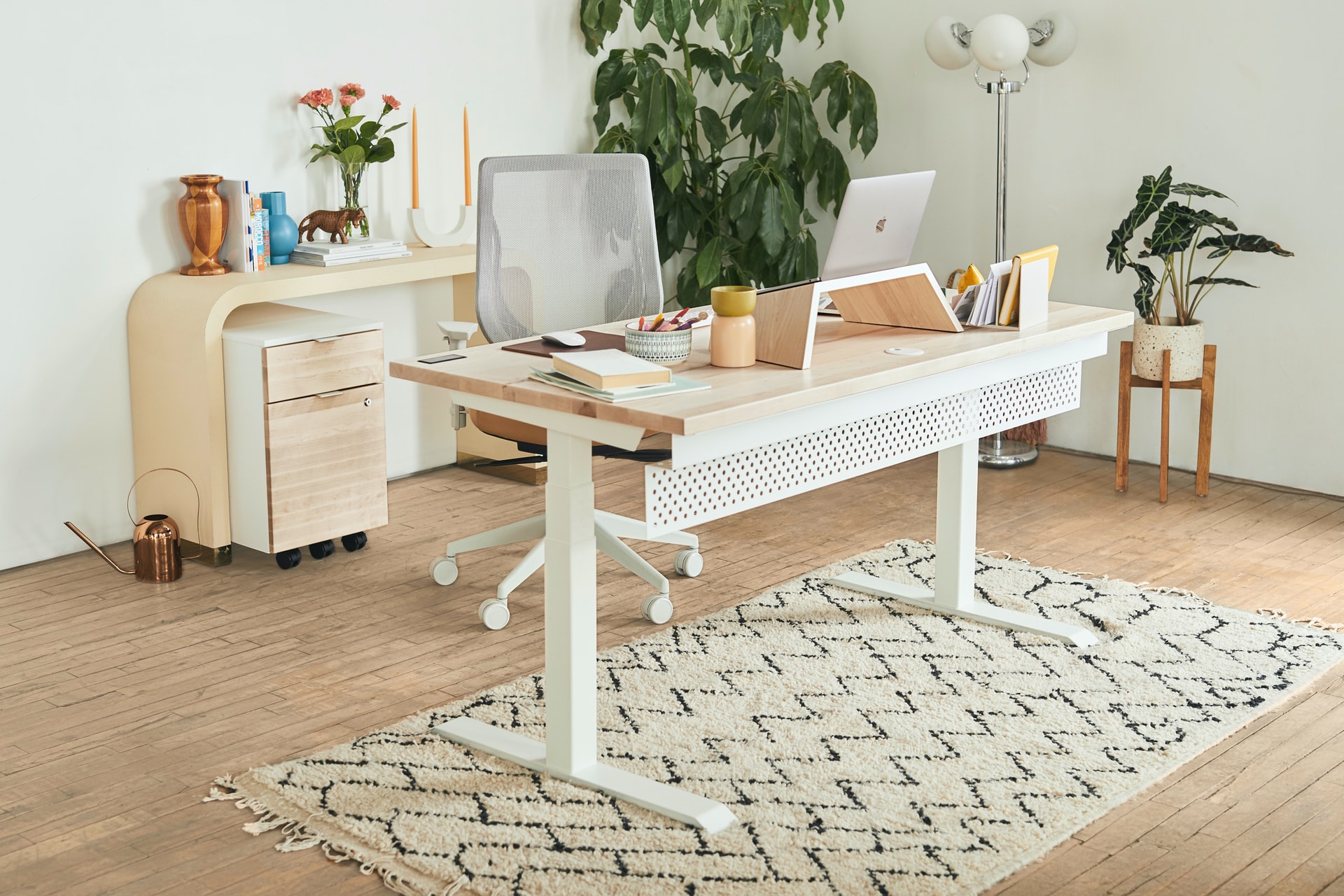
A smooth, solid wall will also be a good backdrop during a video conference. Experts recommend avoiding patterned wallpaper, which can distract our interlocutor and divert attention.
There are also special screens or modular partitions available on the Internet, which are great as a backdrop for video conferencing, and besides, they can be set up in many different places – depending on the need.
Not everyone has a suitable background in their home or apartment that would work well for video conferencing. It’s worth knowing that there is a blur background function in some programs, such as the popular Microsoft Teams. It proves indispensable in home office work, especially if you may unexpectedly need to connect with someone via webcam during the day.
It’s also possible to set a suitable background – such as a business background, so everyone has the opportunity to match the nature of the video conference. This is a great convenience for many users who don’t want to show the inside of their apartment or don’t have a place that would make an ideal background for an online conversation.
main photo: unsplash.com/Surface